 sales@webguruz.in
 +1 (213) 715-5368
We help businesses worldwide find and implement the perfect CRM solution tailored to their unique needs. With years of experience in CRM consulting, integration, and optimization, we guide you through every step, from selection to deployment and beyond.
Contact Us Today
Selecting the right CRM requires looking beyond flashy features to understand what will actually drive results for your specific business model.

Identify exactly where your current sales and customer management processes break down—whether it's lead tracking, follow-up consistency, reporting visibility, or team collaboration—to prioritize features that solve real problems.

Choose a platform that not only meets your current needs but can scale as you add users, expand into new markets, or launch additional product lines without requiring a complete system overhaul.

List all the tools your team uses daily (email platforms, accounting software, marketing automation, e-commerce systems) and verify that your chosen CRM offers native integrations or reliable API connections.

Look beyond monthly subscription fees to factor in implementation costs, training expenses, customization requirements, and ongoing maintenance—sometimes a higher upfront investment saves money long-term.

The best CRM is the one your team will actually use. Consider interface intuitiveness, mobile accessibility, and how closely the platform matches your existing workflows to minimize resistance and training time.

Take advantage of free trials and demo environments to have your actual team members test core functions with real data scenarios, ensuring the CRM works for everyone from sales reps to managers.
Choosing between HubSpot, Salesforce, Zoho, Monday.com, and Microsoft Dynamics 365 can feel overwhelming. Each platform has strengths for different business types, industries, and budgets. We've broken down the key differences to help you make an informed decision.
| CRM Platform |  |  |  |  |  |
|---|---|---|---|---|---|
| Small Business (1-50) | Excellent | Limited | Excellent | Excellent | Limited |
| Medium Business (51-500) | Excellent | Excellent | Good | Good | Excellent |
| Large Enterprise (500+) | Good | Excellent | Limited | Limited | Excellent |
| CRM Platform | | | | | |
|---|---|---|---|---|---|
| Retail & E-commerce | Strong | Excellent | Good | Good | Excellent |
| Professional Services | Excellent | Excellent | Excellent | Excellent | Good |
| Healthcare | Good | Excellent | Good | Limited | Excellent |
| Manufacturing | Good | Excellent | Good | Good | Excellent |
| Technology & SaaS | Excellent | Excellent | Good | Good | Good |
| Real Estate | Good | Excellent | Excellent | Good | Good |
| CRM Platform | | | | | |
|---|---|---|---|---|---|
| Contact Management | Excellent | Excellent | Excellent | Good | Excellent |
| Sales Pipeline | Excellent | Excellent | Excellent | Excellent | Excellent |
| Marketing Automation | Excellent | Excellent | Good | Limited | Excellent |
| Email Integration | Excellent | Excellent | Excellent | Good | Excellent |
| Reporting & Analytics | Excellent | Excellent | Good | Good | Excellent |
| Mobile App | Good | Excellent | Good | Good | Excellent |
| AI Capabilities | Strong (Breeze AI) | Advanced (Einstein) | Good (Zia) | Basic | Strong (Copilot) |
| Third-Party Integrations | Extensive (1,500+) | Extensive (3,000+) | Good (800+) | Good (200+) | Good (MS ecosystem) |
| CRM Platform | | | | | |
|---|---|---|---|---|---|
| Free Plan | Free (unlimited users) | 30-day trial only | Free (up to 3 users) | Free (up to 2 seats) | No free plan |
| Starter Plan | $20/user/month | $25/user/month | $14/user/month | $12/seat/month | $65/user/month |
| Professional Plan | $100/user/month | $80/user/month | $23/user/month | $17/seat/month | $95/user/month |
| Enterprise Plan | $150/user/month | $165/user/month | $40/user/month | $28/seat/month | $135/user/month |
| Custom/Ultimate Plan | Custom pricing | $330+/user/month | $52/user/month | Custom pricing | Custom pricing |
| CRM Platform | | | | | |
|---|---|---|---|---|---|
| Setup Complexity | Simple | Complex | Moderate | Simple | Complex |
| User Interface | Excellent | Good | Good | Excellent | Good |
| Customization Difficulty | Easy | Advanced | Moderate | Easy | Advanced |
| Training Required | Minimal (1–2 days) | Extensive (1–2 weeks) | Moderate (3–5 days) | Minimal (1–2 days) | Extensive (1–2 weeks) |
| Non-Technical Friendly | Excellent | Moderate | Good | Excellent | Moderate |
| CRM Platform | | | | | |
|---|---|---|---|---|---|
| Support Channels | Email, Chat, Phone | Email, Phone, Portal | Email, Chat, Phone | Email, Chat | Email, Phone, Portal |
| Response Time | Fast (24–48 hrs) | Moderate (48–72 hrs) | Fast (24–48 hrs) | Fast (24 hrs) | Moderate (48–72 hrs) |
| Knowledge Base | Extensive | Extensive | Comprehensive | Good | Extensive |
| Community / Forum | Active | Very Active | Growing | Growing | Active |
| Dedicated Account Manager | Paid plans only | Enterprise+ plans | Premium plans only | Enterprise plans only | Premium plans only |
| Onboarding & Education | Excellent | Good | Good | Good | Excellent |
| CRM Platform | | | | | |
|---|---|---|---|---|---|
| AI Agent | Breeze agents for content, social, prospecting & support; custom agents | Agentforce agents across sales, service, marketing & ops | Zia conversational agent for answers, guidance & task execution | Basic AI suggestions for tasks & workflows | Copilot agents across sales, service, marketing & ops |
| Autonomous Actions | Automated outreach & content execution end-to-end | Multi-step workflows, task scheduling & customer engagement without oversight | Auto-built & optimized workflows based on activity | No-code automations for status updates & notifications | End-to-end lead nurturing, case resolution & scheduling |
| Predictive Intelligence | Smart lead scoring & timing suggestions | Einstein forecasts, churn & deal risk scoring | Deal probability, next-best actions & risk alerts | Timeline & capacity predictions for projects | Demand & sales forecasting from pattern analysis |
| Voice AI | Voice commands plus auto transcription & action logging | Natural voice support with seamless human escalation | Voice commands for meeting tracking & key topics | Limited voice features; relies on integrations | Deep Teams/Outlook voice integration & CRM updates |
| Real-Time Processing | Instant insights across email, chat & social activity | IoT, sentiment & transaction streams for adaptive recommendations | Real-time dashboards surfacing emerging trends | Instant board updates and alerts across workspaces | Unified customer profiles via Data Cloud for personalized actions |
Choosing a CRM is just the beginning. Successful implementation requires expertise, strategy, and ongoing support.
Request your consultation!We don't just recommend software; we build complete CRM solutions that transform how you work.

We ensure unbiased recommendations based solely on your business needs.

We handle every aspect of your CRM deployment for a seamless transition.

We understand the unique workflows and compliance requirements of your industry.

We provide continuous support, regular system audits, and optimization strategies.
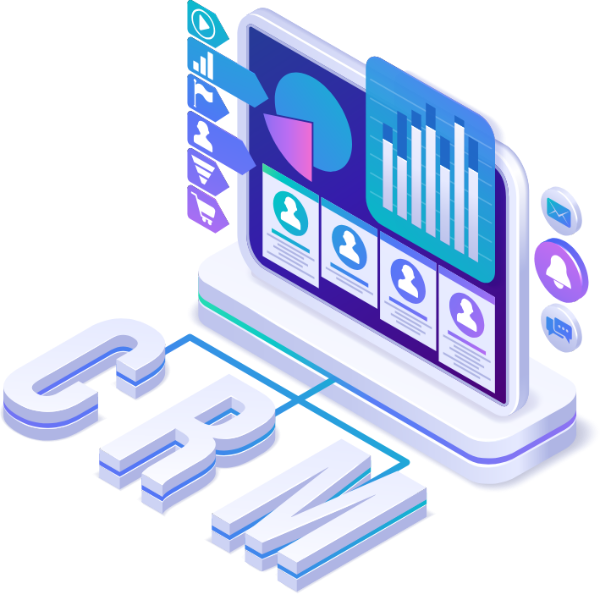
A truly effective CRM goes beyond basic contact storage. It should streamline operations, provide actionable insights, and grow with your business.
 Contact & Lead Management
Centralize all customer information, interaction history, and communication preferences in one accessible location, eliminating scattered spreadsheets and ensuring every team member has complete context for every conversation.
 Sales Pipeline Visualization
Track deals through customizable stages with drag-and-drop simplicity, providing instant visibility into sales velocity, bottlenecks, and forecast accuracy to make proactive adjustments.
 Marketing Automation
Create targeted email campaigns, nurture sequences, and lead scoring systems that automatically segment audiences and deliver personalized content based on behavior and engagement patterns.
 Task & Activity Tracking
Automatically log emails, calls, meetings, and notes while setting reminders and follow-up tasks, ensuring no opportunity falls through the cracks due to human forgetfulness.
 Reporting & Analytics
Generate real-time dashboards and customizable reports on sales performance, campaign effectiveness, customer lifetime value, and team productivity to make data-driven decisions confidently.
 Mobile Accessibility
Access critical customer information, update deal statuses, and respond to inquiries from anywhere with fully functional mobile apps that sync instantly across all devices.
 Customization & Workflows
Build custom fields, create automated workflows for repetitive tasks, and tailor the interface to match your unique business processes without requiring extensive technical knowledge.
 Integration Ecosystem
Connect seamlessly with your existing tech stack including email platforms, calendar systems, accounting software, marketing tools, and industry-specific applications through pre-built integrations or APIs.
 Security & Compliance
Protect sensitive customer data with role-based permissions, encryption, audit trails, and compliance features for regulations like GDPR, HIPAA, or industry-specific requirements relevant to your business.
We bring decades of combined CRM expertise to help you select, implement, and optimize the perfect platform for lasting business growth.
Get in touch
Your business uses HubSpot to manage customer relationships, but disconnected systems create data issues.
Read More →
Building a website takes more than picking colors, dropping in images, and writing copy.
Read More →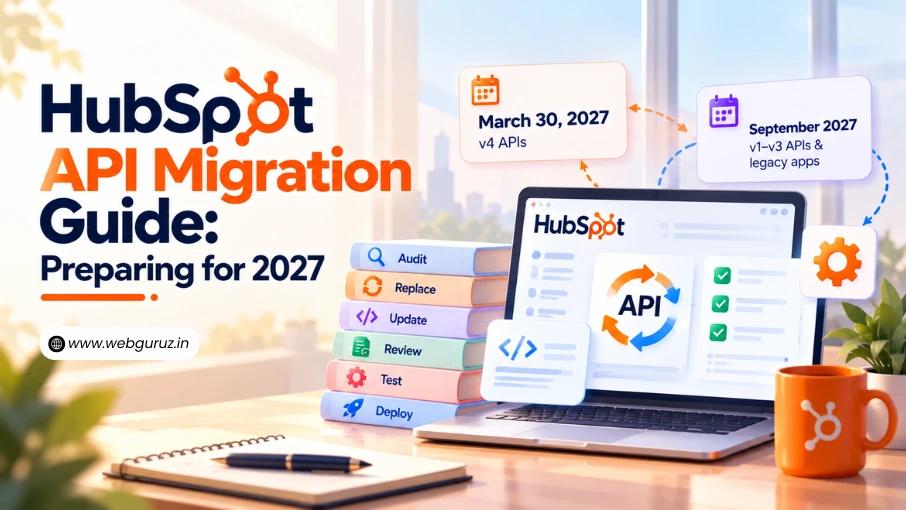
Your HubSpot integration may be working perfectly right now. Data syncs, contacts update, and business workflows run as expected.
Read More →