 sales@webguruz.in
 +1 (213) 715-5368
Vedanshi
2026-10-23
7 min read
Custom HubSpot Integrations: Benefits, Examples, and Best Practices
Your business uses HubSpot to manage customer relationships, but disconnected systems create data issues.
Read More
Published On:2025-12-05
The way we work has undergone a significant change. In 2026, businesses aren’t just managing tasks; they’re building smart, connected systems that actually understand how their teams operate. Monday.com work management 2026 represents this shift perfectly, moving from simple project tracking to an intelligent platform that helps companies work smarter, not harder.
If you’re running a business today, you’ve probably felt the pressure. Teams are scattered across different locations, projects seem more complex than ever, and everyone’s drowning in tools that don’t talk to each other. But the best part is that there’s a better way forward.
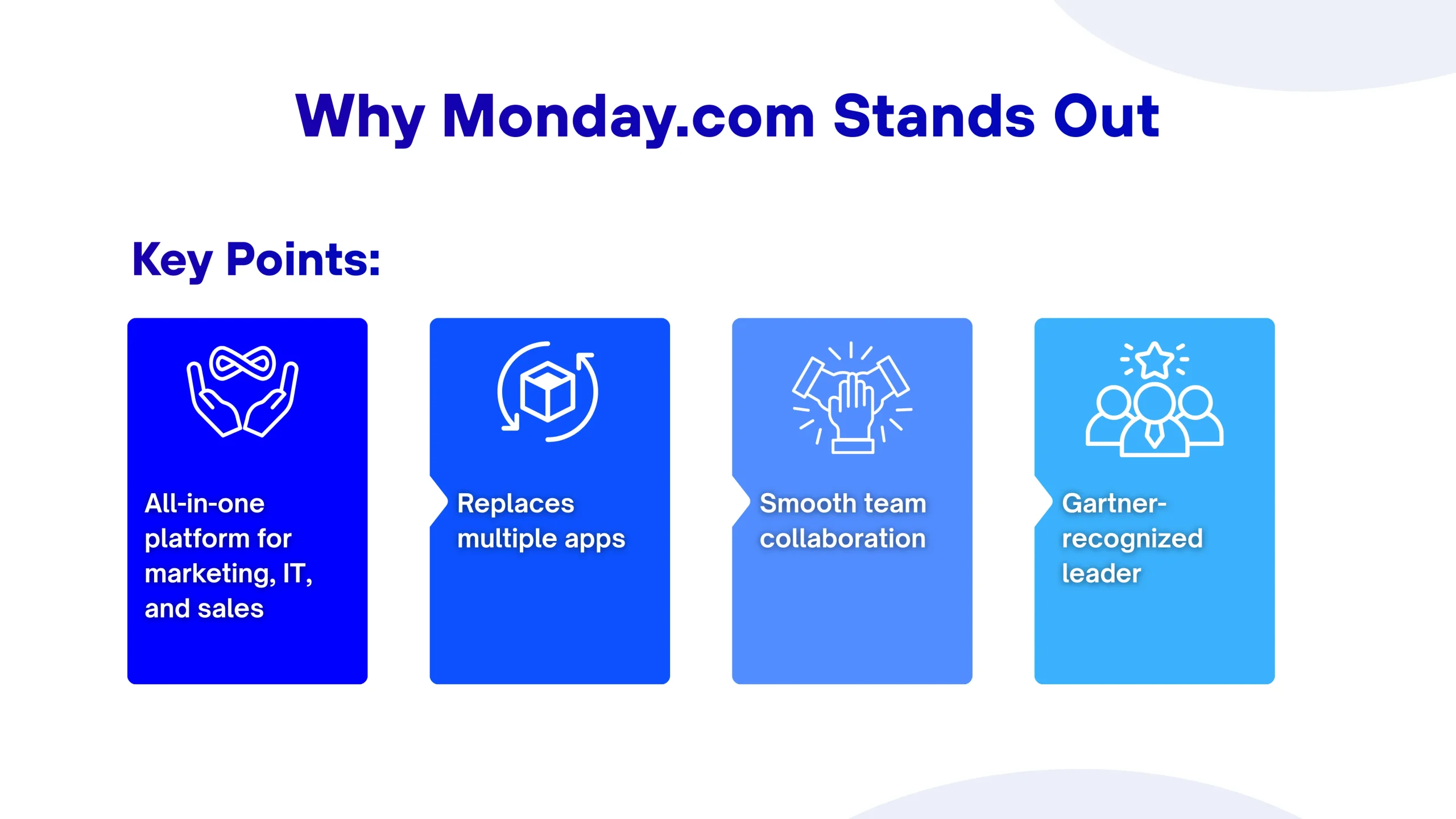
Think about the last time you opened five different apps just to check on one project. Didn’t you find it frustrating? That’s exactly what Monday.com aims to fix. According to Gartner’s Magic Quadrant reports, Monday.com is recognized as a leader in work management, which is understandable given its capabilities.
The platform brings everything together in one place. Your marketing team can track campaigns, your IT department can manage tickets, and your sales crew can follow up on leads, all within the same system. But it’s not just about putting everything under one roof. It’s about making those pieces work together smoothly.
Here’s the thing about modern work management: it needs to be flexible enough to fit how your team actually works, not force everyone into rigid boxes. Monday.com gets this right.
The platform gives you multiple ways to view your work. Some people love Kanban boards, where they can drag and drop tasks. Others prefer Gantt charts for timeline planning. Your boss might want a calendar view for deadlines. With Monday.com workflow management, everyone gets what they need without fighting over how things should look.
The platform supports over 200 use cases across 190 different industries, which means whether you’re running a marketing agency, a construction company, or a tech startup, there’s a setup that works for you.
Let’s talk about the biggest game-changer in 2026: Artificial Intelligence. But before you roll your eyes thinking “here we go with more AI hype,” hear this out. The Monday.com AI onboarding workflows and AI-powered features aren’t about replacing your team; they’re about giving everyone superpowers.
The platform automatically categorizes data at scale, organizing information by type, urgency, or sentiment, while extracting details from PDFs and documents to save time. Imagine uploading a customer complaint and having the system instantly understand if it’s urgent and which department should handle it and even suggest the best person to tackle it based on past performance. That’s not science fiction; that’s Monday.com in 2026.
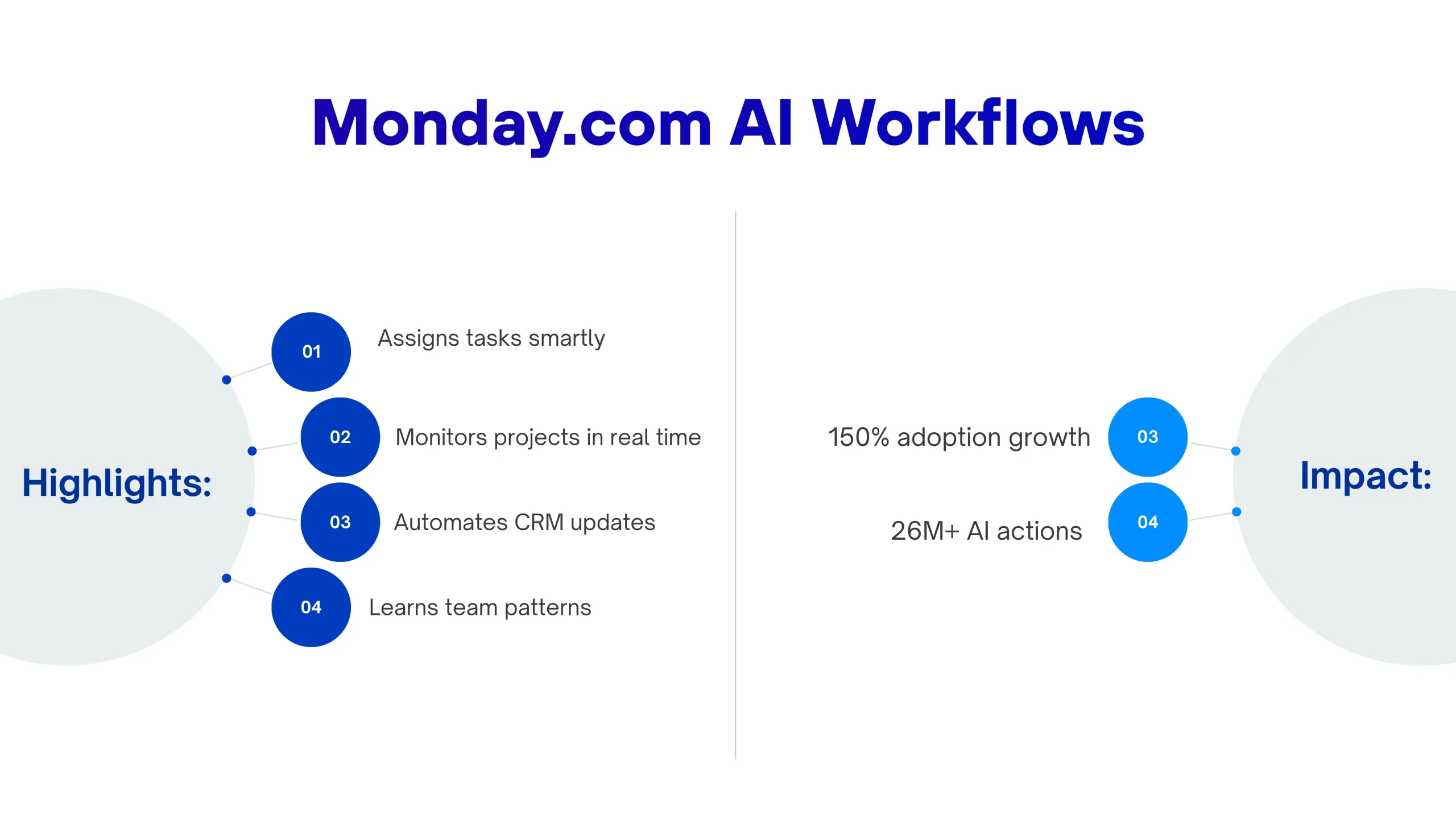
The AI learns from your team’s patterns. If Sarah always handles design tasks and finishes them quickly on Tuesdays, the system picks up on that. When a new design task comes in on a Tuesday, guess who gets a smart suggestion to take it on?
AI agents analyze project health continuously, monitoring hundreds of projects in real time, flagging bottlenecks, and providing proactive insights. These aren’t chatbots that give you canned responses. They’re intelligent assistants that understand your specific business context.
For sales teams, AI agents keep CRM data current without manual entry. They watch customer interactions, update deal stages, and alert you when an account needs attention. For project managers, these agents spot potential delays before they happen and suggest ways to get things back on track.
Since implementing its AI strategy, Monday.com has reported 150 percent growth in adoption quarter over quarter, with customers completing over 26 million AI-driven actions.
Here’s where many companies stumble. They sign up for Monday.com, experiment for a few days, and then wonder why they’re not seeing results. It’s like buying a professional camera and expecting to take amazing photos without learning how it works.
Working with a Monday.com expert makes all the difference. These professionals don’t just show you where the buttons are; they dig deep into how your business actually operates and build systems that align with your reality.
Monday.com consultants analyze your existing processes to identify bottlenecks, then design custom workflows, automations, and dashboards that relate directly to your operations. They’re strategic partners who understand that your construction company has totally different needs than a software development shop.
Professional Monday.com onboarding typically covers several key areas:
Let’s get practical. What does all this actually mean for your bottom line?
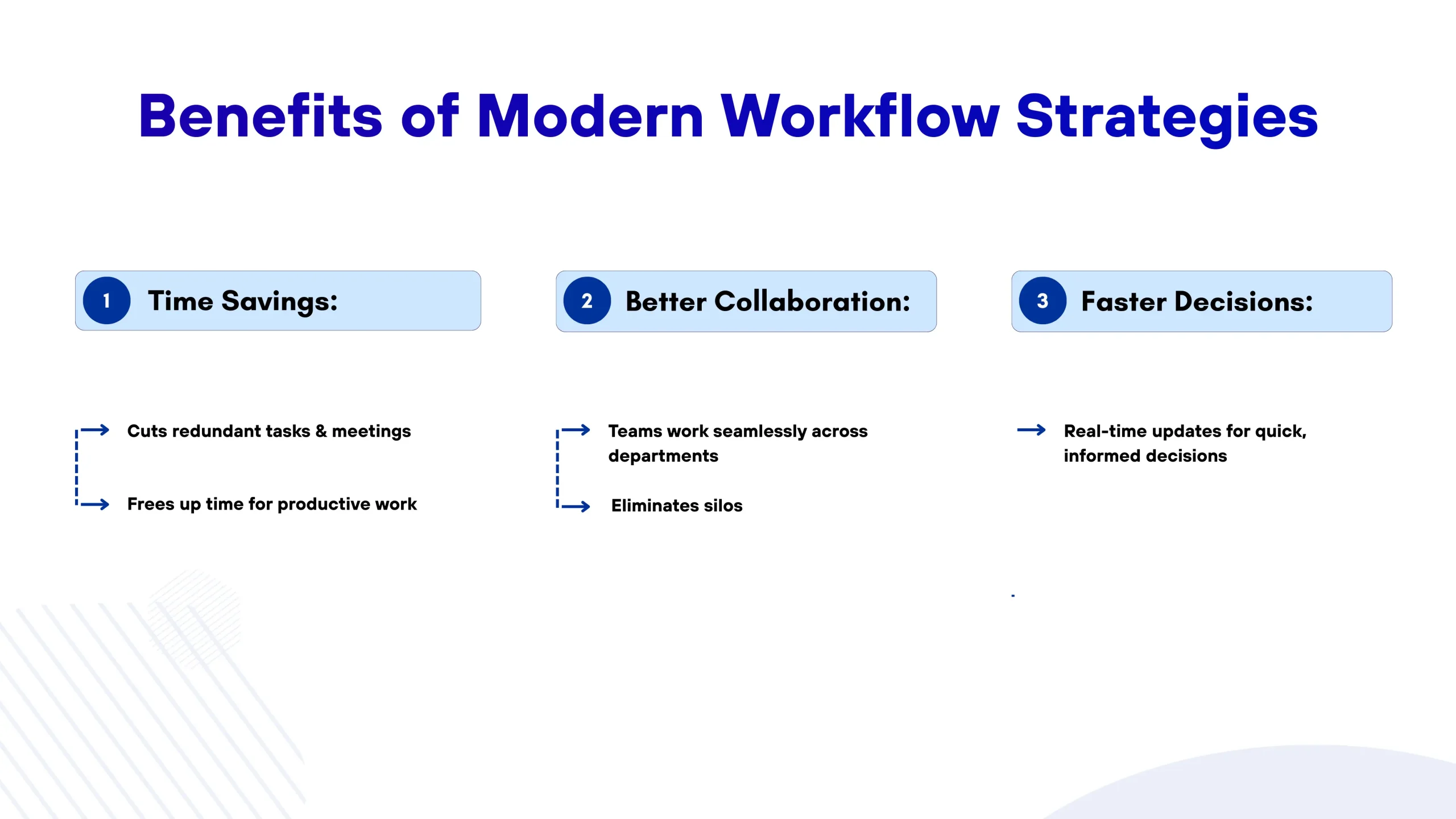
A properly implemented Monday.com eliminates redundant tasks, reduces meetings, and stops information from getting lost. When your team spends less time hunting for information or updating multiple systems, they spend more time on work that actually moves your business forward. Simple as that.
By 2026, two-thirds of organizations will have realized the necessity of collaborative, focused, and task-oriented work management to ensure their portfolio and resources are utilized effectively. Monday.com productivity tools make this collaboration natural, not forced.
Your marketing team can see what product development is building. Sales can access the latest materials without pestering marketing. IT knows which projects need priority because they can see everything in context. No more silos.
When you have real-time visibility into what’s happening across your organization, decisions get easier. You’re not waiting for someone to compile a report or send you a spreadsheet. The information you need is right there, updated automatically.
According to Forrester’s Total Economic Impact research, companies experience less than a 4-month payback period when implementing Monday.com effectively.
If you’re wondering how businesses improve work efficiency with Monday.com, the answer isn’t about using every feature; it’s about using the right features for your situation.
Don’t try to digitize everything at once. Pick one workflow that’s causing the most pain. Maybe it’s your content approval process that takes forever. Or your sales pipeline that no one updates. Start there, get it working smoothly, and then expand.
Monday.com allows teams to automate operational processes without requiring a programmer, making it accessible to average users. This means your team can set up automations like “When status changes to Complete, notify the next person in line” without coding knowledge.
The key is starting simple. Automate the repetitive stuff that drives everyone crazy, including status updates, reminder emails, and file organization. Save the complex automations for later when you’re more comfortable.
Monday.com doesn’t want to be the only tool you use; it wants to be the hub that connects all your tools. Link it with your email, your file storage, and your communication apps. When everything is centralized in one place, magic happens.
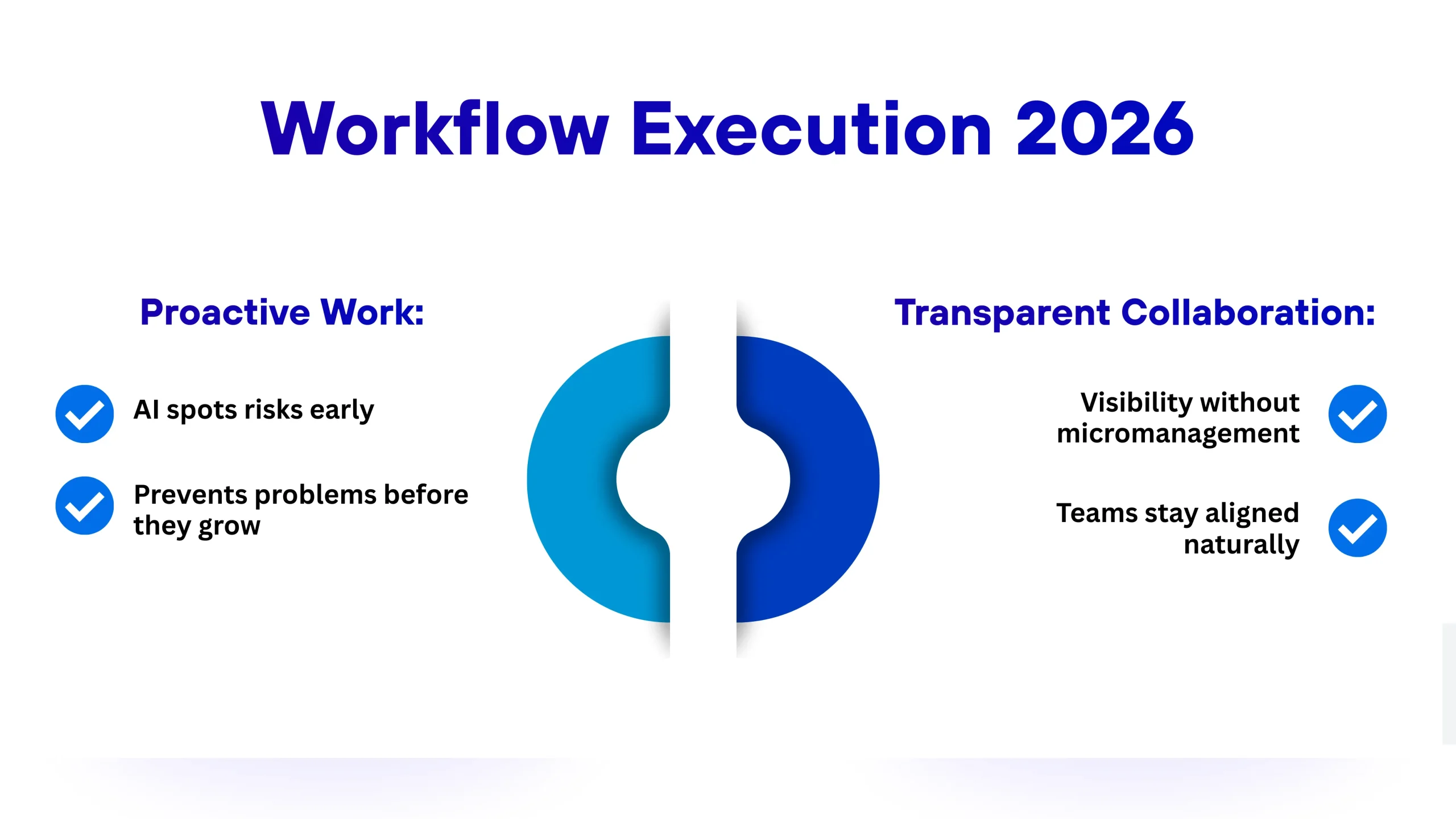
The biggest shift in how businesses work isn’t about technology; it’s about mindset. Companies in 2026 understand that productivity isn’t about doing more things faster; it’s about doing the right things with less friction.
AI-powered risk insights automatically analyze data from project boards and generate daily lists of potential risks for each project. This means instead of responding to problems after they blow up, you’re addressing them while they’re still small.
Your team stops firefighting and starts preventing fires. That’s a game-changer for any business.
Good Monday.com workflow management creates visibility without creating surveillance. Team members are aware of what others are working on, which prevents duplicate work and facilitates natural collaboration. But it’s not about tracking every minute; it’s about keeping everyone aligned.
Managers can access project health at a glance without needing to check in with team members constantly. Team members have the necessary context to help each other without formal handoffs. Work just flows better.
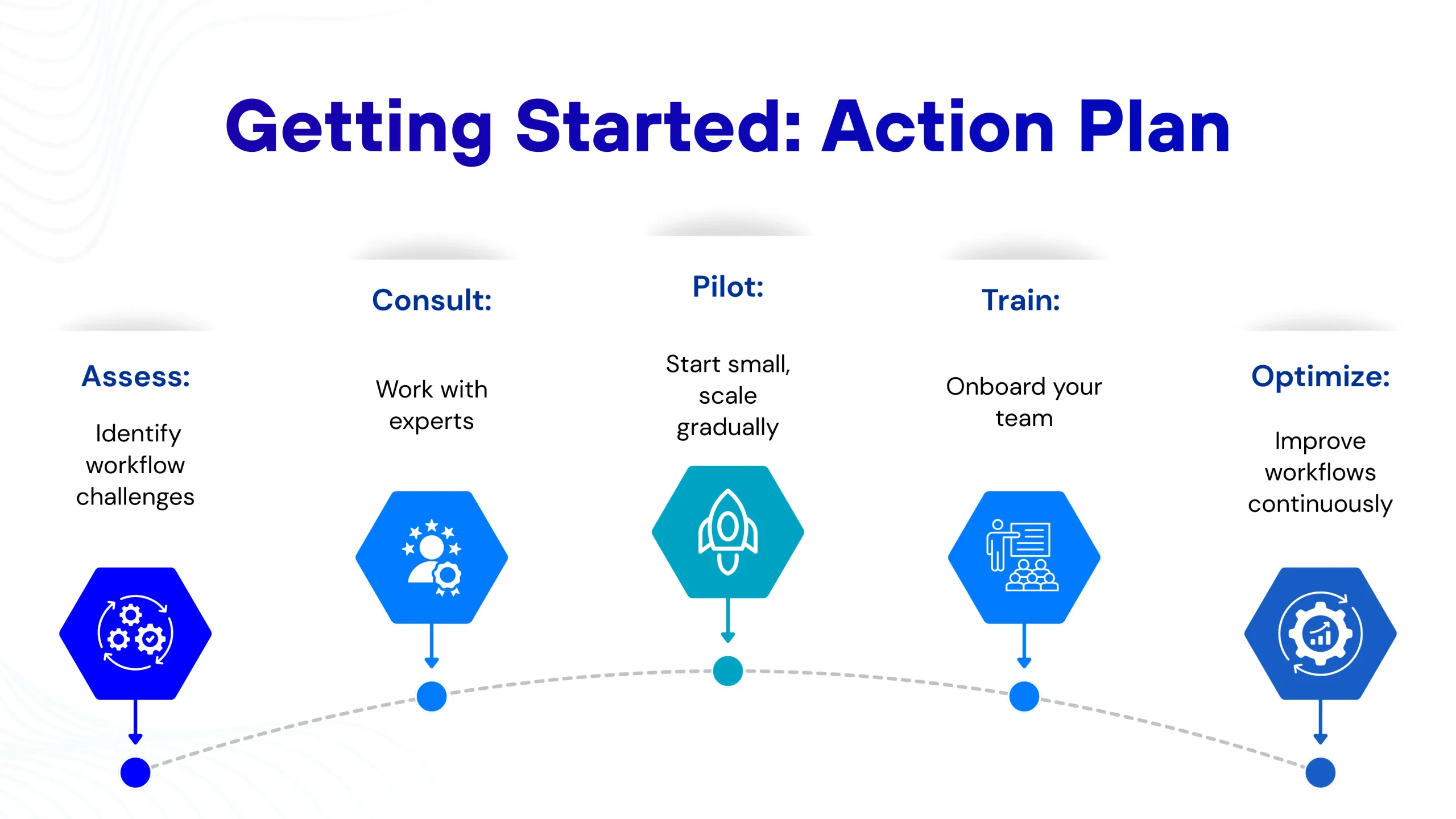
Ready to make Monday.com work for your business? Here’s a sensible approach:
Work management in 2026 isn’t about fancy features or complex systems. It’s about giving teams the tools they need to focus on what matters while technology handles the rest. Monday.com productivity tools represent where we’re headed, toward workplaces where people spend less time managing work and more time actually doing it.
Organizations are increasingly scrutinizing AI investments for measurable returns rather than adopting tools based on technological novelty, and Monday.com delivers those returns through practical, integrated solutions that address real business challenges.
Whether you’re a five-person startup or a 5,000-person enterprise, the principles remain the same: understand how your team works, build systems that support them, and keep improving based on what you learn. With the right approach and expert Monday solutions to guide you, Monday.com becomes more than project management software; it becomes the backbone of how your business operates.
Monday.com works for businesses of all sizes. Small teams can start with basic features and scale up as they grow, while enterprises get advanced features like portfolio management and resource planning.
Most users become comfortable with the platform in two weeks to a month, but with proper onboarding and consulting, businesses often see efficiency improvements within the first few weeks.
The platform has embedded AI throughout its core functionality, making it accessible to users without requiring technical expertise or complex setup. Anyone on your team can use AI-powered features without coding knowledge.
Pricing varies based on your project scope, team size, and specific needs. Most consultants offer free initial consultations and custom quotes tailored to your specific needs.
Yes, Monday.com integrates with hundreds of popular business tools, including Slack, Google Workspace, Microsoft Teams, Salesforce, and many others. Custom integrations are also possible through the API.

Vedanshi
2026-10-23
7 min read
Your business uses HubSpot to manage customer relationships, but disconnected systems create data issues.
Read More
Vedanshi
2026-10-22
7 min read
Ask ChatGPT, Gemini, or Perplexity to recommend a supplier or a software tool, and you get a short list of names, not ten blue links.
Read More
Vedanshi
2026-10-21
7 min read
Building a website takes more than picking colors, dropping in images, and writing copy.
Read More