sales@webguruz.in
 +1 (213) 715-5368
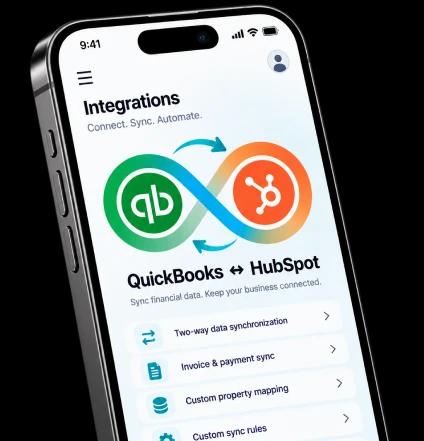
Connect QuickBooks Online with HubSpot to synchronize financial and customer data, automate workflows, customise field mapping, and manage your connected business data with greater control.
A flexible QuickBooks integration designed around your data, workflows, synchronization rules, and business requirements.
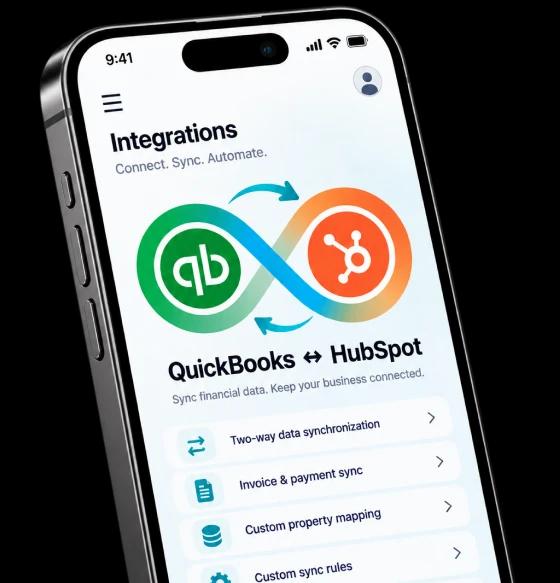
Synchronize supported data between HubSpot and QuickBooks in the direction your workflow requires.
Customize field mapping and validate required data before creating or updating records.
Prevent duplicate records and retry failed synchronizations when needed.
Manage sync jobs with status tracking, failure handling, and controlled processing.
Sync invoices, payments, customers, companies, products, and services across systems.
Control what gets synchronized and track records, errors, timestamps, and retry activity.
Connect QuickBooks Online with HubSpot and create connected workflows for customer, product, invoice, and payment data. Configure how information moves between systems while reducing repetitive manual processes.

Keep customer, product, invoice, and payment information connected instead of repeatedly entering the same data across platforms.

Bring HubSpot and QuickBooks data together so teams can work with consistent customer and financial information.

Create invoice workflows from HubSpot deal and line-item data while applying your configured validation and mapping rules.

Choose which records should move between systems using custom conditions, filters, and business-specific rules.

Synchronize multiple records through bulk processing and use scheduled or event-based synchronization where configured.

Track synchronization activity, identify failed records, review errors, and manage retry activity from a connected workflow.
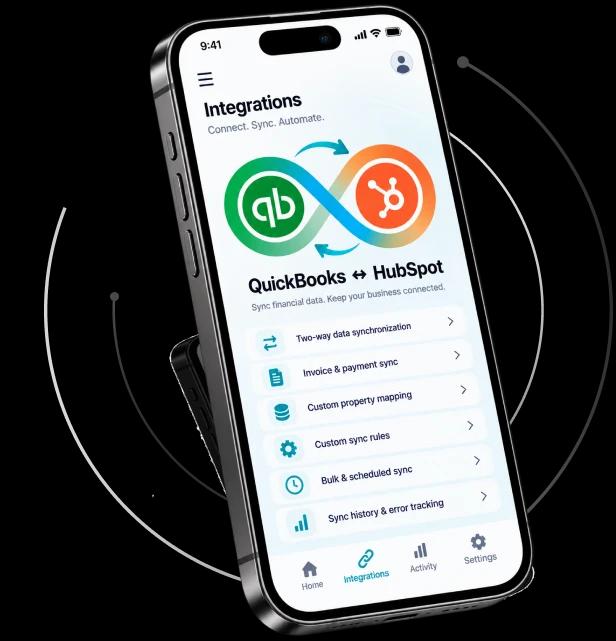
Connect your QuickBooks Online account with the integration and authorize the required access.
Choose the objects, fields, mapping, synchronization direction, and rules that match your business workflow.
Start synchronizing your records while tracking activity, handling errors, and managing your connected workflows.
Take control of your QuickBooks and HubSpot data with a flexible integration built around your business processes. Connect your systems, configure your workflows, and manage your financial data from one connected setup.
Install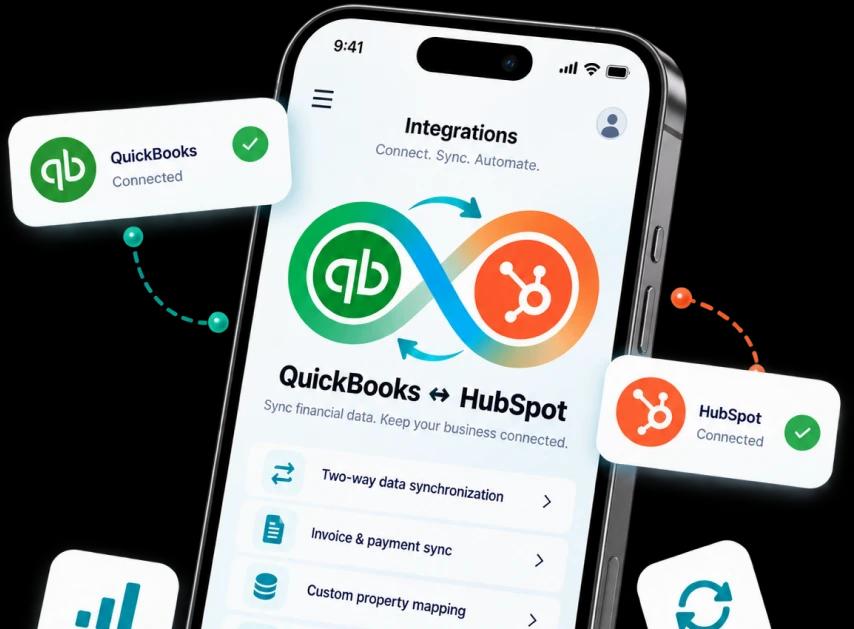
Choose the plan that fits your QuickBooks synchronization, automation, and field mapping needs.

Connect Xero with your application to sync financial data, customize field mapping, automate workflows, and maintain better control over your business data.
Connect QuickBooks Online with HubSpot to sync financial data, automate workflows, and control how your data moves between both platforms.