 sales@webguruz.in
 +1 (213) 715-5368




Connect HubSpot with your business applications to automate tasks, sync data, and simplify daily operations. WebGuruz helps build connected workflows that support business growth.
 Automate Manual Tasks
 Connect Business Apps
 Sync Customer Data
 Improve Workflow Reliability
 Reduce Repetitive Work
 Scale Business Automation
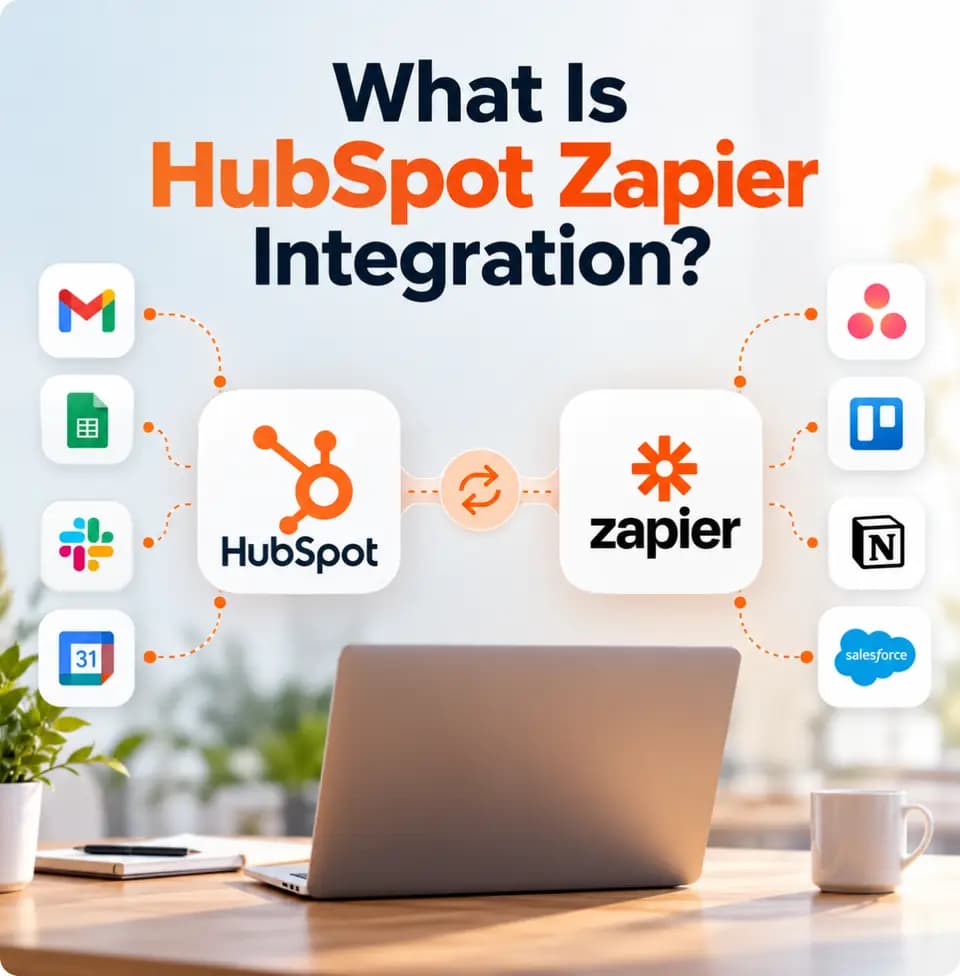
A HubSpot Zapier integration connects HubSpot with other business applications to automate data transfers and repetitive tasks. It helps businesses keep information consistent, reduce manual updates, and improve workflows across their technology systems.
Businesses use Zapier and HubSpot integration to connect sales, marketing, customer service, and operational tools without managing every process manually.
When businesses use multiple applications, customer information can become scattered across different systems. Teams may need to update HubSpot manually, transfer data between platforms, and repeat administrative tasks. These processes can lead to errors, inconsistent records, and wasted time.

WebGuruz helps businesses connect HubSpot with relevant applications through automated workflows that reduce repetitive work and improve operational consistency.
Keep customer records, contacts, deals, and selected business information aligned across connected applications.
Automate repetitive tasks, notifications, and data updates to reduce manual effort.
Connect business applications to improve information flow and reduce disconnected processes.
Automate suitable lead management, contact updates, task creation, and follow-up activities.
Limit repetitive data entry and administrative tasks so teams can focus on higher-value work.
Use configured triggers and actions to move information between applications when specific events occur.
Businesses rely on CRM, marketing, finance, customer support, and productivity tools to manage daily operations. When these applications work separately, information becomes fragmented and employees spend time switching between systems.
WebGuruz helps connect HubSpot with the applications your teams use through Zapier workflows. This allows relevant information to move between platforms, reduces manual updates, and supports smoother collaboration across departments.

As businesses create more automations, workflows can become harder to manage. Failed triggers, duplicate actions, and incorrect data updates may interrupt processes and affect customer experiences.
WebGuruz helps review and optimize automation logic so connected workflows remain reliable and easier to maintain.
Review existing workflows to identify unnecessary steps, duplicate automations, and opportunities for improvement.
Refine trigger conditions and action sequences to support consistent workflow execution.
Review workflow performance and identify failures that may affect business operations.
Assess failed tasks and synchronization issues to improve workflow stability.
Check how connected applications and automations interact to reduce conflicts.
Refine workflows as business requirements, connected applications, and processes change.
As more applications connect through Zapier, automation workflows can become increasingly complex. Failed triggers, delayed data transfers, and changes to connected applications may interrupt business processes.
WebGuruz helps businesses review workflow behavior, validate data synchronization, and improve automation reliability. Ongoing checks can help teams identify issues and maintain more consistent operations as their technology ecosystem grows.

Simple automations can become difficult to manage as teams, applications, and business processes grow. Overlapping workflows and inconsistent automation rules can create bottlenecks and make future changes harder to implement.
WebGuruz helps businesses plan structured automation systems that can adapt to changing operational needs while keeping processes clear and manageable.
Connect HubSpot with your business tools to reduce manual tasks, improve data consistency, and build more efficient workflows.
A properly configured HubSpot Zapier integration helps businesses automate routine tasks, connect applications, and improve operational efficiency.
Reduce manual work by automating repetitive tasks, notifications, and data transfers.
Connect HubSpot with the tools your teams use to improve information sharing.
Create structured automation processes that support consistent customer data and business operations.
Keep selected customer and business information updated across connected platforms.
Spend less time on manual updates and routine tasks.
Adapt workflows as your business processes and technology requirements grow.
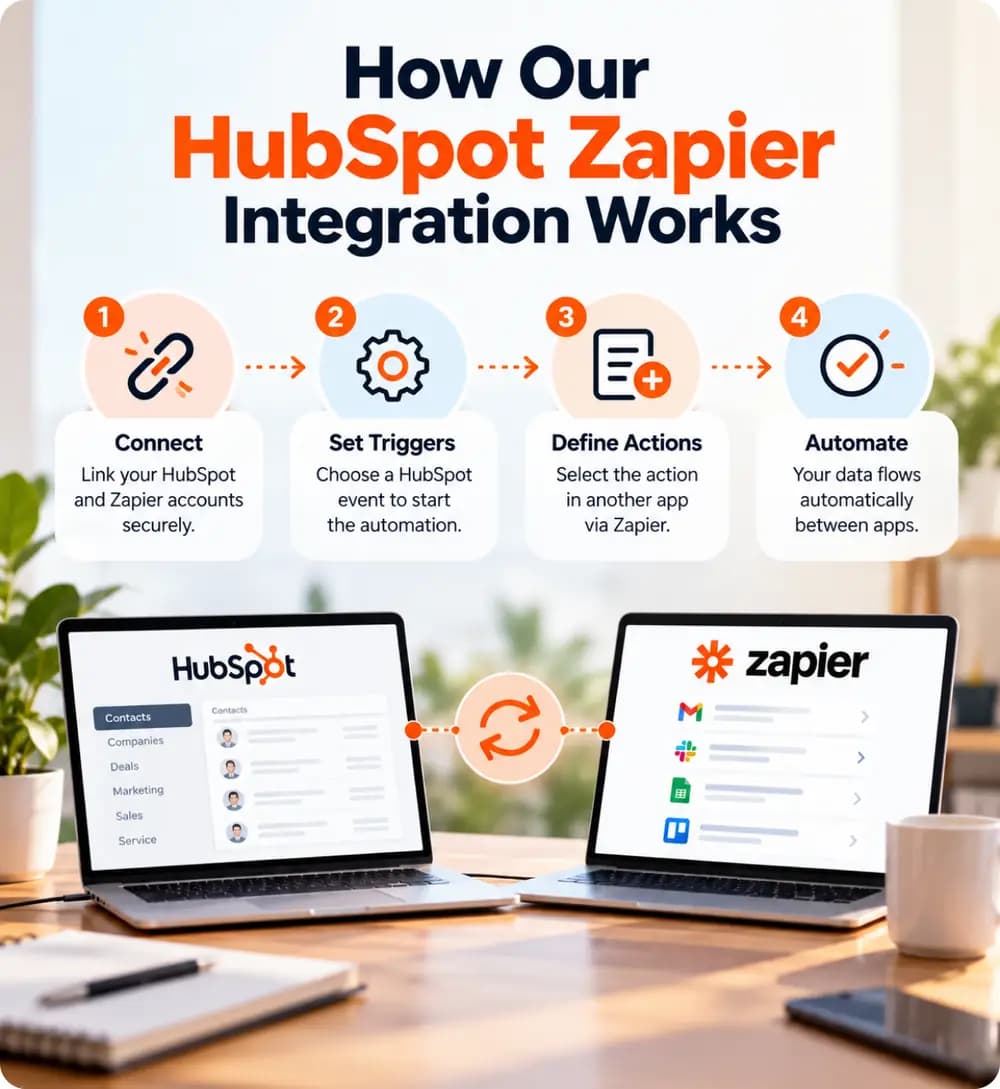
WebGuruz approaches integration as part of a broader business automation strategy. Our process focuses on understanding your workflows, connecting relevant applications, and testing automations before they become part of daily operations.
Review business processes, connected applications, current workflows, and automation goals.
Define how information and events should move between HubSpot and connected applications.
Configure suitable triggers, actions, and CRM workflows to automate repetitive tasks.
Test workflow execution, data transfers, and automation logic to identify potential issues.
Review workflow performance and refine automations as business requirements change.
Businesses often use separate applications for sales, marketing, customer support, finance, and internal operations. A HubSpot and Zapier integration can connect these tools so selected customer information, tasks, and notifications move between platforms automatically.
This helps teams reduce repeated updates, improve information sharing, and manage routine work more efficiently.
Businesses can use configured workflows to automate contact creation, task assignments, lead routing, and customer follow-ups. The exact actions depend on the connected applications, available triggers, and integration setup.
Connect HubSpot with suitable marketing and lead generation applications to transfer relevant information, organize new leads, and support follow-up processes.
Set up automated notifications when defined events occur, such as a new lead being created or a record being updated. This can help teams respond faster and keep relevant employees informed.
Connect HubSpot with supported project management, customer service, or productivity applications to coordinate onboarding tasks, customer updates, and internal handoffs.
AI-supported automation depends on connected applications, reliable data, and well-defined workflows. When business information remains scattered across systems, AI tools may lack the context needed to support useful analysis and automation.
WebGuruz helps businesses connect HubSpot with relevant applications through Zapier to support more consistent data flow and prepare workflows for suitable AI-assisted use cases. Specific capabilities depend on the tools, subscriptions, and configuration available.

Connecting applications is only one part of business automation. Businesses also need reliable workflows, clear data mapping, and processes that can adapt as operations grow.
WebGuruz helps businesses plan and configure integrations around their operational goals, with attention to workflow reliability, data consistency, and long-term maintenance.

Align sales, marketing, customer service, and operational workflows with business goals.
Support CRM workflows, lifecycle management, no-code automation, and third-party integrations.
Follow a clear process covering assessment, planning, configuration, testing, and validation.
Address application connections, trigger logic, data synchronization, and multi-step workflows.
Plan workflows that can adapt as business processes and application requirements evolve.
Review automation performance and refine workflows as your business needs change.
HubSpot Zapier integration automates workflows across business applications to streamline operations and improve efficiency.






Connect business applications, reduce manual tasks, and build reliable workflows with an integration strategy designed around your operational needs.
Book an Appointment
A move to HubSpot rarely fails on launch day. The import report says “complete,” the contacts are there, and the deals sit in the pipeline.
Read More →
Your business uses HubSpot to manage customer relationships, but disconnected systems create data issues.
Read More →
Building a website takes more than picking colors, dropping in images, and writing copy.
Read More →