 sales@webguruz.in
 +1 (213) 715-5368




Connect LinkedIn with HubSpot to manage leads, automate follow-ups, and improve campaign tracking. WebGuruz helps businesses build connected marketing and sales workflows.
 Sync LinkedIn Leads
 Automate Lead Follow-Ups
 Improve Campaign Tracking
 Align Marketing and Sales
 Simplify Lead Management
 Streamline CRM Workflows

A HubSpot LinkedIn integration connects LinkedIn lead generation and campaign activity with HubSpot CRM. It helps businesses manage lead information, improve follow-ups, and connect marketing activity with customer records.
Businesses use this integration to streamline LinkedIn lead generation, improve campaign visibility, and strengthen coordination between marketing and sales.
When LinkedIn and HubSpot operate separately, lead information can become fragmented. Lead form submissions and campaign engagement may remain in LinkedIn while customer records sit in HubSpot. This can slow follow-ups and limit visibility for marketing and sales teams.

WebGuruz helps businesses connect lead data and CRM records to support better lead management and a more consistent customer journey.
Bring lead information and available engagement data together for marketing and sales teams.
Connect campaign activity with CRM outcomes to assess lead quality and acquisition performance.
Give both teams access to consistent customer information for qualification and follow-ups.
Align lead stages and customer updates to support smoother handoffs.
Reduce repeated lead imports and data entry through configured automation.
Keep relevant lead information aligned between connected platforms.
Manually exporting LinkedIn leads and importing them into HubSpot can delay follow-ups and increase administrative work.
WebGuruz helps streamline lead capture and routing so new prospects can reach HubSpot more efficiently. This enables teams to respond sooner and manage incoming leads with fewer manual steps.

When marketing and sales rely on different data sources, lead qualification and follow-ups can become inconsistent. WebGuruz helps connect LinkedIn lead information with HubSpot to improve data consistency and collaboration.
Connect lead details and available engagement history with HubSpot records.
Map relevant fields to keep information consistent across platforms.
Align lead stages to support smoother transitions from marketing to sales.
Help both teams access relevant lead activity and customer information in HubSpot.
Review records and synchronization rules to reduce incomplete or inconsistent data.
Refine data mapping and workflows as business requirements change.
Managing LinkedIn campaigns and HubSpot separately can make it difficult to understand how campaign activity relates to qualified leads and customer engagement.
WebGuruz helps businesses align available campaign and CRM data to improve lead tracking, reporting, and marketing decisions. Reporting depth depends on the connected tools, tracking setup, and available data.

Manual lead assignment and follow-ups can slow response times and create inconsistent customer communication. WebGuruz helps businesses configure HubSpot workflows and connected application automations to reduce repetitive tasks and improve lead management.
Connect LinkedIn lead generation with HubSpot to reduce manual work, improve follow-ups, and support better coordination between marketing and sales.
A properly configured HubSpot LinkedIn integration helps businesses improve lead management, campaign visibility, and marketing and sales coordination.
Bring relevant LinkedIn lead information into HubSpot for easier access and management.
Reduce delays caused by manual imports and lead assignment.
Give both teams access to consistent customer and lead information.
Connect available campaign activity with CRM insights for better performance analysis.
Automate suitable lead management tasks and repetitive updates.
Support growing lead volumes with connected workflows and structured automation.
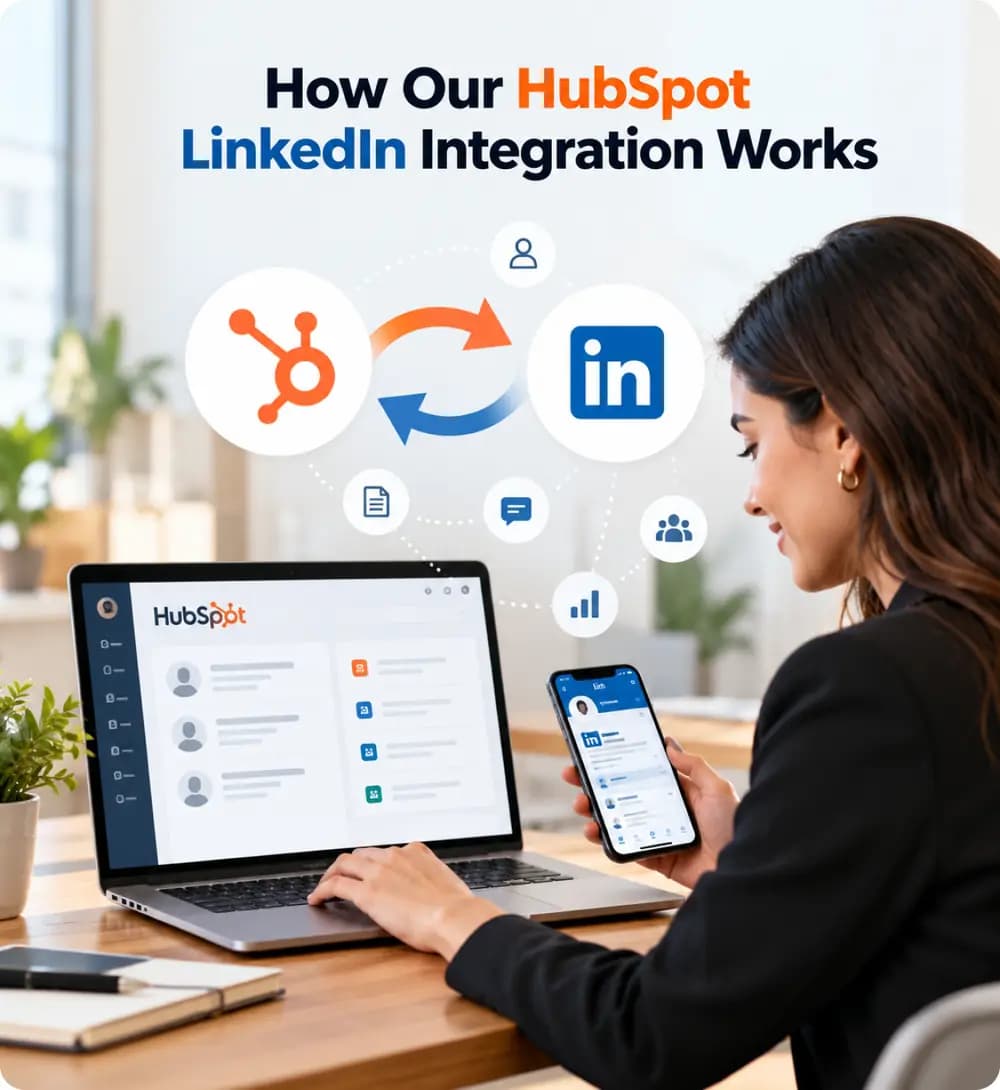
WebGuruz follows a structured process to connect lead generation with CRM workflows. Our focus is on accurate data mapping, effective automation, and reliable lead management.
Review your HubSpot setup, LinkedIn lead generation process, campaign goals, and workflow requirements.
Define the required lead fields, data flow, and synchronization rules.
Configure available lead capture, routing, nurturing, and follow-up workflows.
Align available campaign data with CRM records and reporting requirements.
Validate lead synchronization and refine workflows as your marketing and sales needs evolve.
Businesses use LinkedIn Lead Gen Forms to collect B2B prospect information and HubSpot to manage customer relationships. A suitable integration can transfer supported lead details into HubSpot, reducing manual imports and helping teams follow up more efficiently.
Connecting available campaign information with CRM data helps businesses assess lead sources, customer engagement, and campaign outcomes. This gives teams more context than advertising metrics alone, although complete attribution depends on tracking and reporting configuration.
Connected lead records and lifecycle information help marketing and sales teams work from consistent data. This can improve qualification, collaboration, and communication throughout the buyer journey.
Configured HubSpot workflows can support lead assignment, email nurturing, internal notifications, and lifecycle updates after leads enter the CRM. The available automation depends on the integration method and account features.
AI-supported marketing relies on connected and reliable data. When lead details, campaign engagement, and CRM records remain separate, teams may lack the context needed for effective lead prioritization and campaign analysis.
WebGuruz helps businesses connect LinkedIn lead data with HubSpot to support better reporting, structured workflows, and potential AI-assisted marketing use cases. Specific capabilities depend on the tools and configuration available.

Successful integration requires more than connecting two platforms. Businesses need reliable lead synchronization, clear campaign reporting, and workflows that support their marketing and sales goals.
WebGuruz helps businesses plan and configure integrations around their lead management requirements, with attention to data quality, automation, and long-term improvement.

Align LinkedIn lead capture with CRM management and follow-up processes.
Support lead synchronization, campaign tracking, and marketing automation requirements.
Follow a clear process covering planning, configuration, testing, and validation.
Address field mapping, workflow configuration, and integration requirements.
Build workflows that can adapt as lead volumes and campaign needs grow.
Review lead management and integration performance as your processes evolve.
HubSpot LinkedIn integration requirements vary by audience, lead generation strategy, and sales process. We help businesses plan connected workflows around their needs.






Connect LinkedIn lead generation with HubSpot to improve lead tracking, simplify follow-ups, and support a more connected marketing and sales process.
Book an Appointment
A move to HubSpot rarely fails on launch day. The import report says “complete,” the contacts are there, and the deals sit in the pipeline.
Read More →
Your business uses HubSpot to manage customer relationships, but disconnected systems create data issues.
Read More →
Building a website takes more than picking colors, dropping in images, and writing copy.
Read More →